
The One-Hour Content Engine: Turn One Idea Into a Week of Marketing
Creating content can feel like having a charming little shop with no closing time. There is always one more caption to write, one more video to film, one more email to send. For a small-business owner, especially one already carrying the invisible work of clients, admin, home, and life, “just post consistently” is not a strategy. It is another demand.
A better approach is to build a content repurposing system for small business: choose one genuinely useful idea, then reshape it for the places your audience already spends time. The goal is not to paste the same paragraph everywhere. It is to give one clear message several useful forms.
Start with one audience problem, not seven content ideas
The strongest weekly content usually begins with a question your customers ask repeatedly. It might be, “What should I wear for a first client meeting?” “How do I price my first service?” or “Why does my living room still feel unfinished?” A useful question gives every post a job.
Use the One-Idea Filter
Before opening a blank caption, check whether your idea is:
- Specific:It helps a particular person with a recognizable situation.
- Useful:The reader can try, decide, or understand something after reading.
- Connected:It naturally leads to your offer, service, product, or point of view.
- Expandable:It contains several small lessons, examples, or questions.
For example, a freelance designer might choose: “Three ways to make a small business homepage feel more trustworthy.” That idea can become a checklist, short video, email story, and behind-the-scenes post.
Write the idea as one sentence in a running “content seeds” note. Whenever a client asks a question or you explain the same thing twice, add it. Your future content calendar is hiding inside those conversations.

The one-hour content engine, minute by minute
Set a timer for 60 minutes. Put your phone on Do Not Disturb, close your analytics tabs, and resist the urge to perfect your graphics before you have a message. This is a production sprint, not a test of your worth.
Minutes 0–10: Choose the promise
Write a simple promise for the week: “By the end of this week, my audience will know how to ___.” Keep it practical. “Feel inspired” is lovely but vague; “choose a three-piece work outfit from clothes you already own” gives you a direction.
Then define one action you want readers to take. It could be replying to your email, saving a checklist, booking a consultation, joining your list, or browsing one product. One primary action keeps the week coherent.
Minutes 10–25: Make the source piece
Create one “source” asset that holds the complete thought. This might be a 500-word email, a talking-point video, a short blog post, a voice memo that you later transcribe, or a simple carousel outline.
Use this shape:
- Name the problem without making the reader feel foolish.
- Explain the useful principle in plain language.
- Give three to five steps or examples.
- Mention a common mistake.
- Invite one small next action.
Do not edit every sentence as you go. A clear, generous draft is more valuable than a polished fragment. If you are speaking on camera, imagine answering one thoughtful customer across a café table.
Minutes 25–45: Slice the source into five pieces
Now repurpose content by changing its format and emphasis. Each piece should stand on its own, even when it points back to the same weekly idea.
Piece one: the teaching post. Pull out the most actionable step. Turn it into a concise caption, carousel, or LinkedIn-style post. Lead with the problem and make the steps easy to scan.
Piece two: the story post. Share a small moment that makes the lesson human: the mistake you made, the client question that changed your process, or the before-and-after decision. The story is not a detour; it shows why the advice matters.
Piece three: the short-form video. Record a 30- to 60-second answer to the most surprising part of the idea. Use a conversational opening such as, “If your content feels scattered, try this before you create another post.” Add captions for people watching without sound.
Piece four: the saveable checklist. Turn the steps into a compact list people can screenshot. A checklist is especially useful for a service provider because it demonstrates how you think without giving away the value of working together.
Piece five: the conversation starter. Ask a specific question that is easy to answer. “Which part of your weekly marketing takes the longest?” will usually create a better conversation than “Thoughts?”
Minutes 45–55: Write the email and next step
Your email does not have to repeat the social posts. Give subscribers the fuller context: why this problem happens, what you changed, and which step they can try today. End with one clear link or invitation.
If you do not have an email list yet, use this slot to write a welcome email or a simple free resource. A helpful checklist can become a modest lead magnet. Keep the promise honest and the sign-up path simple.
Minutes 55–60: Schedule and label
Put each piece into a content calendar with a date, format, purpose, and call to action. Label the source idea so you can find the family later. Schedule what you can, then leave room for real-time replies and unexpected moments.
A weekly rhythm might look like this:
| Day | Format | Purpose |
| Monday | Teaching post | Give the core lesson |
| Tuesday | Short-form video | Demonstrate one step |
| Wednesday | Story post | Build trust through context |
| Thursday | Add depth and invite action | |
| Friday | Checklist or question | Encourage saves and conversation |
The schedule is a container, not a commandment. Adjust it to your audience; the system matters more than the calendar’s exact shape.
Make every version feel native to its channel
Repurposing content is not copying and pasting. It is translation. A newsletter can be reflective and complete. A video needs a quick opening and one idea. A social caption can be skimmable. A blog post can answer the follow-up questions a short post cannot.
Keep the brand voice consistent, but let the format breathe. Use the same key phrase or example across the week so people recognize the theme. Change the opening, pacing, and call to action so each piece feels intentional.
A useful editing question is: “What does this audience need from this format?” An email may need context, while a video needs an immediate demonstration. A carousel should offer a sequence worth saving.
This is also where accessibility becomes part of good marketing. Use readable contrast, descriptive captions, accurate subtitles, and plain language. Make the idea easier to receive, not merely easier to publish.

Build a repeatable content repurposing system for small business
A system should be simple enough to use on a busy week. Create four folders or database views: Ideas, In Production, Scheduled, and Reusable. In each idea record, store the audience problem, source asset, related offer, and possible formats.
Keep a light content audit
Once a month, review what you created. Look for usefulness rather than chasing one impressive number. Which posts led to replies, questions, clicks, or qualified inquiries? Which topics felt easy for you to explain?
Then make three decisions:
- Repeat the ideas that created meaningful conversations.
- Refresh the ideas that were useful but unclear.
- Retire the ideas that no longer match your audience or offer.
An evergreen content library can grow from these reviews. Keep strong explanations, FAQs, customer objections, seasonal variations, and examples in one place. Refresh details when needed rather than starting from zero every week.
Protect your boundaries, too. Set a maximum number of channels. One email list and one social platform are enough to begin.
A worked example: from one idea to seven touchpoints
Imagine Maya runs a personal styling service for women returning to the office. Her weekly idea is: “How to build three polished outfits from one pair of trousers.”
Her source piece explains the three outfit formulas and the role of shoes, layering, and accessories. The teaching post shares the formulas, the video styles one pair of trousers three ways, and the story post describes a client who wanted variety without buying a new wardrobe. The checklist lists the formulas, while the conversation starter asks, “Which item in your closet gets worn the least?”
Her email adds a gentle note about shopping with intention and links to her consultation page. A Friday reminder invites readers to send a photo of one difficult-to-style item, if that fits her service and privacy policy.
Every piece solves a different part of the same problem, so the marketing feels focused rather than repetitive.

Common mistakes that make repurposing feel stale
Trying to be everywhere
More channels create more formatting work. Choose the places where your customers already ask questions, then earn the right to expand later.
Shrinking the same post five times
A caption pasted into an email is not a new experience. Change the angle, example, or depth. Repurposing should reduce effort, not remove thought.
Making every post a sales pitch
A week of value can still support a business. Teach first, show your perspective, and make the offer a clear next step for people who need more help. Trust is not built by hiding the offer, but it is weakened by constant pressure.
Creating without a destination
Before the sprint begins, decide where interested readers should go. A service page, product page, email sign-up, or booking link is enough. If there is no next step, even good content can leave people unsure what to do.
Measuring only reach
Reach can be encouraging, but it does not explain everything. Track saves, replies, qualified inquiries, email sign-ups, and sales conversations alongside visibility. Choose the metric connected to your current business goal.

FAQ: content repurposing for small businesses
How often should I reuse one idea?
Use it as a weekly theme, then revisit it later with a new example, customer question, or seasonal angle. Repetition becomes useful when the context changes.
What if I do not enjoy video?
You can build the entire engine with written posts, email, audio, graphics, or a blog. Short-form video is an option, not a requirement for a credible content strategy.
Do I need expensive marketing software?
No. A notes app, document, spreadsheet, or basic scheduling tool can hold this workflow. Upgrade only when a tool removes a specific bottleneck.
A calmer way to market consistently
The point of a content engine is not to turn your business into a content factory. It is to make your expertise easier to share without asking you to invent yourself seven times a week. One well-chosen idea can teach, reassure, start a conversation, and guide the right person toward your work.
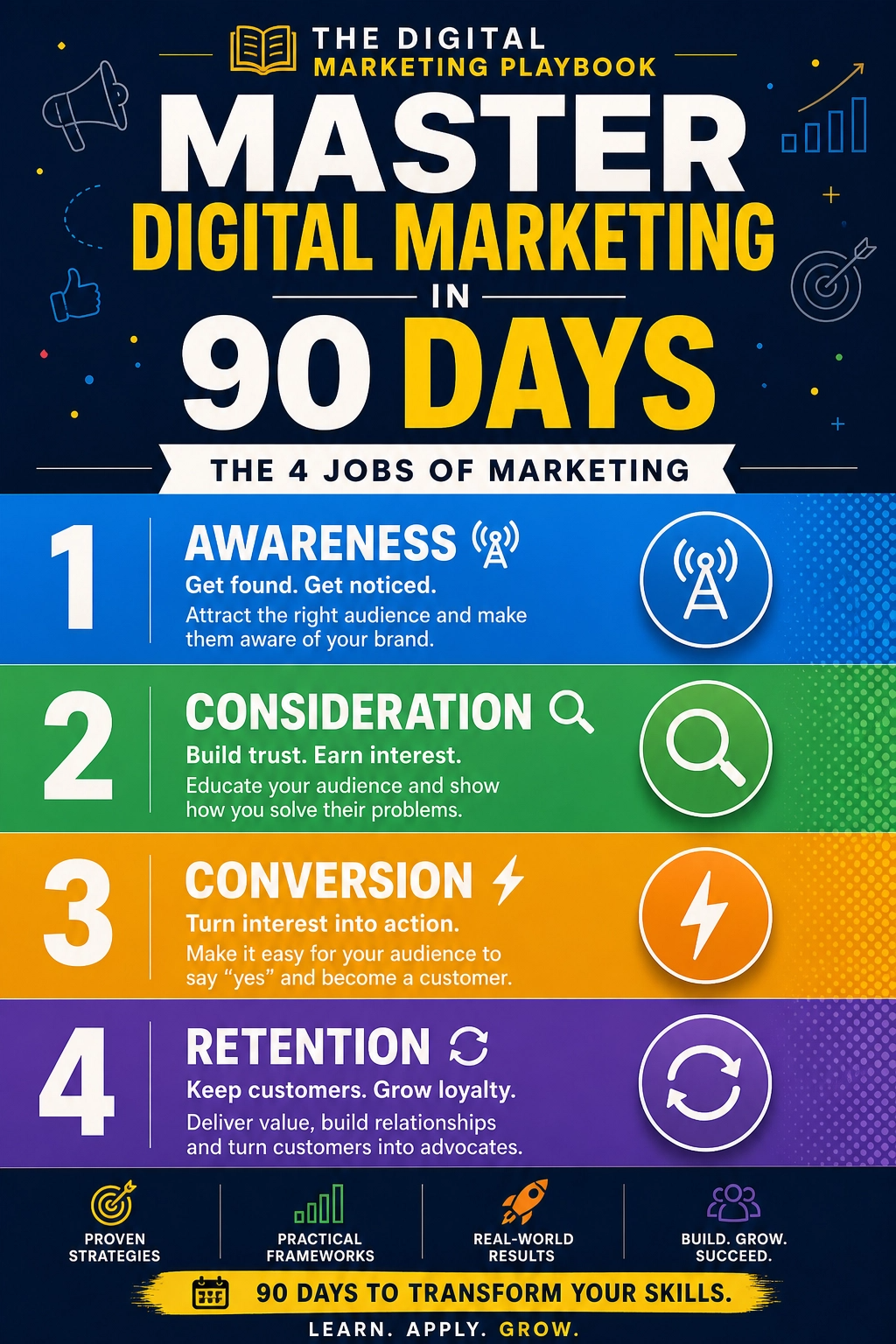
If you want a more structured companion for your broader marketing planning, explore The Digital Marketing Playbook. It is a separate resource to consider alongside this workflow; review its details and decide whether it fits your needs before purchasing.
For now, choose one question your audience has asked recently. Set a timer for an hour. Create the source piece, slice it into useful formats, and schedule the week. There is no guaranteed reach or revenue from any content method, but a repeatable system can give you something more dependable: less last-minute scrambling and more room to do the work your business is actually built to do.
About the Author