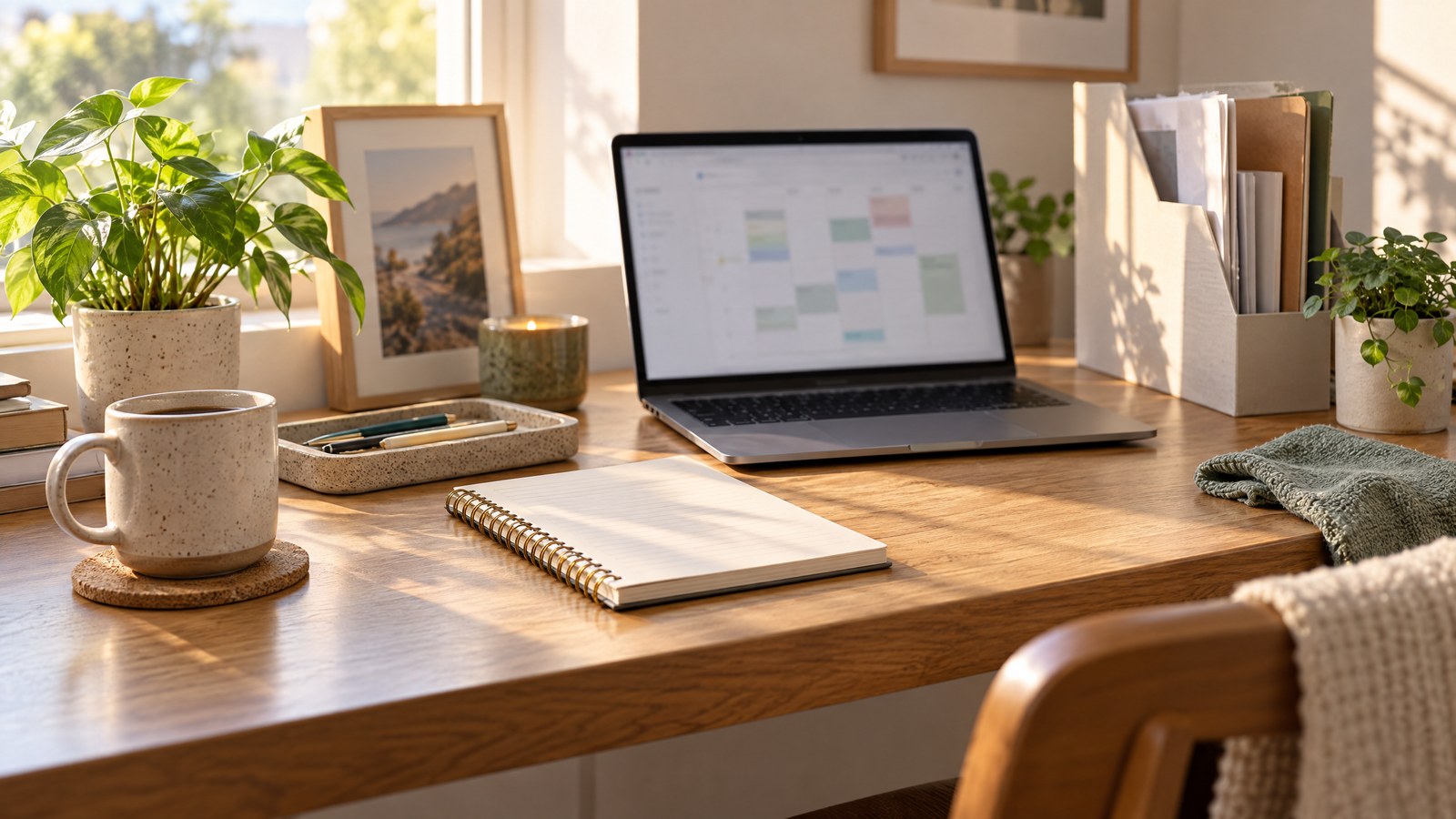
The 20-Minute Desk Reset: A Weekly Workspace Routine for a Fresh Start
A clean desk doesn’t promise instant focus or productivity, but a weekly reset can reduce friction, save minutes every day, and make your workspace feel inviting. This timed routine—designed to be completed in 20 minutes once a week—focuses on essential desk organization ideas you can actually stick to: triage, paper control, tool placement, cable and floor check, digital desktop tidy, a small styling refresh, and one minimal maintenance habit. No dramatic overhaul, just steady resets that add up.
How to use this guide: set a timer for 20 minutes, move through the seven short steps below, and adapt each to your schedule and the items you use most. If you have only 10 minutes, skip the styling refresh; if you have 30, expand any step that needs extra attention.
Triage — 3 minutes: quick clear and categorize
Start by clearing everything off the main work surface. Put items in three piles: Keep (used daily), Store (used sometimes), and Toss/Recycle. Be decisive—this is a triage, not a deep edit.
- Keep: laptop, keyboard, notepad you use, a pen cup.
- Store: paper files that belong in a drawer, reference books, seasonal accessories.
- Toss/Recycle: junk mail, old receipts, sticky notes you’ve already acted on.
Actionable tip: Use a small laundry basket or box to temporarily move the Store items out of sight; you’ll decide their home in step 3. This keeps the desk visually clear while you continue the reset.

Paper flow — 4 minutes: inbox, action, archive
Paper is often what makes desks look chaotic. Create a tiny paper system you can maintain in five minutes.
- Inbox tray (or shallow basket): For new incoming documents that need attention.
- Action pile: For things you will act on within a week.
- Archive/scan: For reference documents you rarely touch.
Set a two-minute rule for the inbox: if a paper can be recycled, filed, or acted on now, do it. For the remaining papers, label your trays or use simple sticky-note tabs. If you prefer digital, scan and add to a folder, but pause if you’re near your 20-minute timer—don’t let scanning derail the reset.

Tools and zones — 3 minutes: designate homes for essentials
Think in zones: work tools, creative tools, reference tools, and personal items. Assign a specific spot for each and return items after use.
- Keep everyday tools within arm’s reach: pens, a notebook, your headset.
- Store occasional-use tools in a drawer or shelf: stapler, extra chargers, label maker.
- Reference items (guidebooks, manuals) go on a nearby shelf or digital copy if space is tight.
Practical example: If you often swap between computer and tablet, create a tech zone on one side with a small docking tray. A cheap drawer organizer or even a repurposed tray keeps things orderly. This step reduces the “where’s my X?” moments and makes desk surfaces stay clearer.

Cable and floor check — 3 minutes: quick safety and tidy
Loose cables and floor clutter are both untidy and a tripping hazard. Use three minutes to tidy cords and clear under-desk space.
- Gather cables into a zip-tie or Velcro wrap; group chargers by device.
- Use adhesive cable clips to route a charging cable to the edge of the desk.
- Clear the floor of bags, shoes, or stacks of papers; move them to their chosen storage.
If you want a visual nudge for future resets, tuck a slim power strip under the desk or clip a single sticky note on the underside with the day you last reset cables. This small step takes little time but keeps the area safer and visually calmer.
Digital desktop tidy — 4 minutes: clear the screen’s clutter
Physical clutter often pairs with digital clutter. Open your laptop or computer and spend four focused minutes on a quick digital tidy.
- Close unused browser tabs and quit programs you’re not using.
- Move desktop files into folders: Today, This Week, Archive.
- Empty your downloads folder—delete what’s obsolete, move receipts to finance folders.

For visual inspiration without buying anything, consider using downloadable clip art to create a desktop background that feels fresh. For example, a playful 90s-style computer graphic (a digital download) can be an amusing placeholder background reminding you to minimize windows during calls: retro “per my last email” computer graphic. Or a small, aesthetic succulent clipart can be a cheerful, non-photographic accent without adding physical objects to the desk: succulent clip-art set. These are digital assets—review the seller’s usage terms before printing or reusing them beyond a personal background.
A computer that says per my last email on a desk, 90s aesthetic
Cartoon clipart style graphic of aesthetically pleasing succulents
One small styling refresh — 2 minutes: tiny, intentional accents
A full redesign isn’t necessary; one small styling refresh is enough to make the desk feel cared for. Choose one of these micro-updates:
- Swap a mousepad for a clean fabric one.
- Replace a battered mug with a neutral cup reserved for pens.
- Add a single digital background or a clipped succulent graphic as a screen accent.
Styling should be functional: a tray that contains sticky notes and a phone works as decor and keeps things organized. The goal is to add a deliberate, pleasant detail—not clutter. If you use digital clip-art assets for inspiration, remember they are digital downloads, not physical decor. Check licensing if you plan to reproduce them.

Minimal maintenance habit — 1 minute: the weekly vow
Finish by setting a minimal habit that keeps this weekly reset effective. Spend one minute making a simple commitment you’ll follow between weekly resets.
Options:
- End-of-day 1-minute tidy: clear the top of the desk and put away any tools used.
- A “reset reminder” on Friday afternoons: a calendar alert to run the 20-minute routine.
- A single-shelf rule: keep only what fits on one shelf to limit accumulation.
Choose one habit and add it to your planner. The tiny investment prevents pile-ups and makes the weekly reset easier.

Putting the routine together — sample 20-minute schedule
Here’s the exact schedule to follow once a week. Start a timer and move through each step.
- 0:00–3:00 — Triage: clear the surface and sort into Keep/Store/Toss.
- 3:00–7:00 — Paper flow: inbox, action, archive.
- 7:00–10:00 — Tools and zones: assign homes and return items.
- 10:00–13:00 — Cable and floor check: tidy cords and clear floor space.
- 13:00–17:00 — Digital desktop tidy: close tabs and organize files.
- 17:00–19:00 — Small styling refresh: one tiny change for pleasure.
- 19:00–20:00 — Maintenance habit: schedule or note the habit you’ll keep.

Practical tips for real life
- Make it social: if you share a desk, do a joint reset with a partner or roommate on the same day.
- Keep essentials visible but minimal: a single pen cup, a notepad, and one personal object are usually enough.
- Use containers: small trays, drawer organizers, and a shallow inbox make maintaining easier.
- Avoid perfection: this routine is about usefulness; an occasionally messy drawer is fine.
- Reassess monthly: if Store items keep returning to the desk, decide if they belong in your daily life.
Sustainability and decluttering responsibly
When you toss or recycle, do it thoughtfully. Recycle paper and packaging properly; donate items in good condition; securely shred sensitive documents. If you scan documents during the paper step, securely back them up and delete local copies if you no longer need them physically. This keeps both your space and your personal data under control.

Why this works — habits over heroics
A weekly, timed reset works because it lowers the activation energy for upkeep. Instead of letting clutter grow until a full day is needed, you invest a focused 20 minutes. Over time, that regular attention reduces the emotional resistance to tidying and makes the desk a space you’re more likely to use comfortably. Remember: tidy spaces don’t guarantee productivity—people work differently—but a weekly reset reduces visual friction and decision fatigue for many.
Conclusion
The 20-minute desk reset is a realistic, repeatable way to keep your workspace manageable. By triaging items, controlling paper flow, assigning homes for tools, tidying cables, clearing digital clutter, adding a single styling touch, and committing to one small maintenance habit, you’ll arrive at Monday with a clearer surface and fewer small annoyances. Try it for a month and adapt each step to fit the exact items and workflows you use—consistency matters more than perfection.
About the Author