Digital Halloween Decor Ideas for Your Phone, Laptop, and Virtual Party
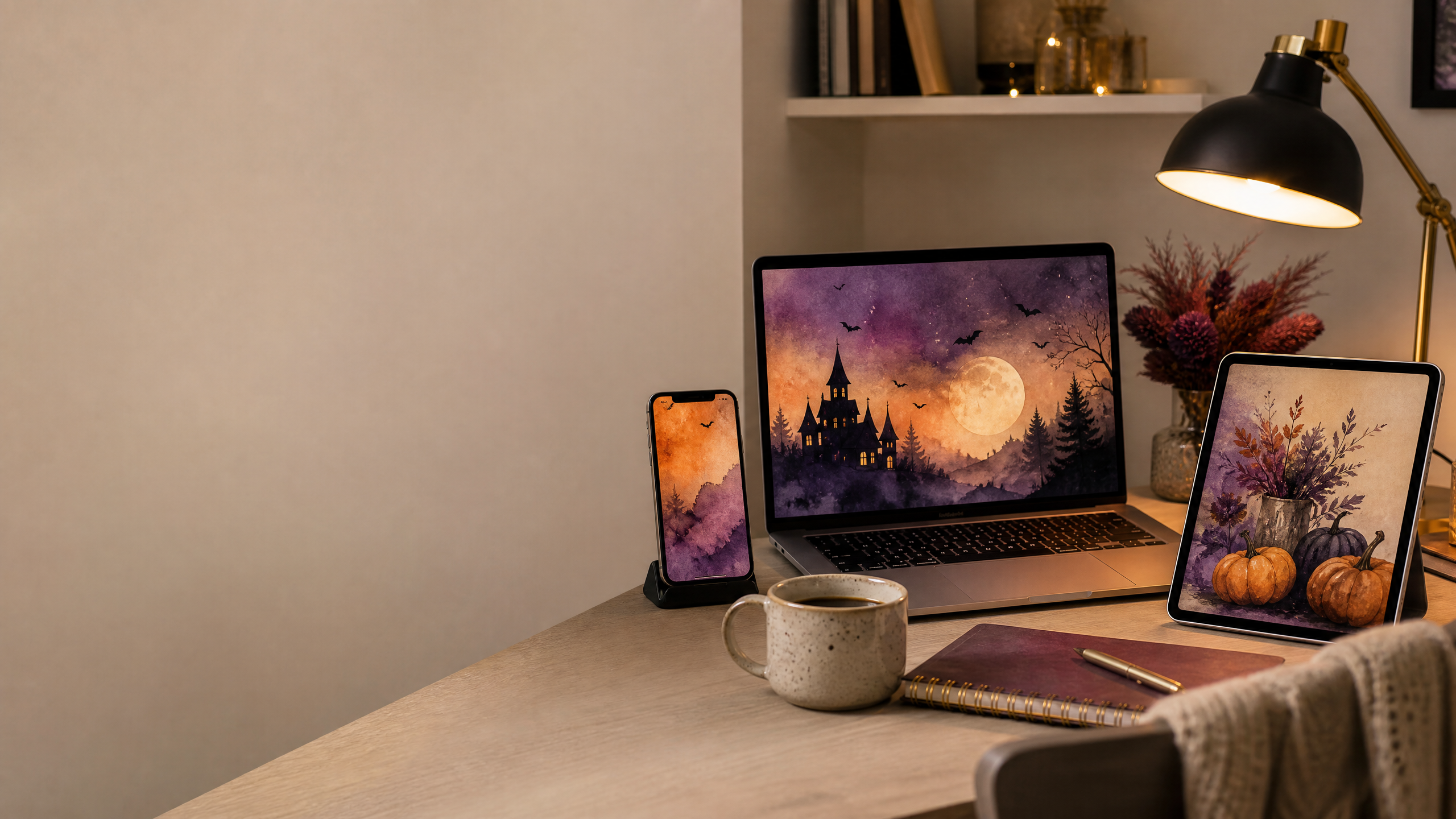
Halloween decor does not have to live on a mantel. It can appear on the screen you look at all day: your phone, laptop, tablet, digital planner, or video-call window. A seasonal digital refresh is one of the easiest ways to change the mood of a room and a routine without buying anything bulky.
Digital decor is especially useful when you live in a small space, work from home, or want to celebrate with friends who live in different places. A background scene can become a virtual party backdrop. A watercolor paper can become a phone wallpaper, invitation, or social graphic. A few coordinated files can make the season feel present without taking over your home.
The best digital Halloween decor ideas are simple enough to use and quiet enough to live with every day.
Create a small seasonal folder
Before downloading or designing anything, create a folder called “Halloween 2026” or “Seasonal October.” Add subfolders for wallpapers, invitations, party graphics, and printables. This sounds basic, but it keeps seasonal files from disappearing among screenshots and downloads.
Name files by purpose. A name such as halloween-video-background is more useful than image-final-3. If you edit a file, keep the original and save the new version separately. Small systems like this make digital decorating feel enjoyable instead of chaotic.
Store your direct product downloads in the same folder as the projects you make from them, but keep a note with the original product link. That way, you can find the source again when you want to use a different page or confirm the current product details.
Choose a screen palette you can live with
A phone wallpaper is visible many times a day, so avoid choosing an image that is too busy behind app icons. Dark plum, muted orange, charcoal, and cream create a seasonal feeling while leaving enough contrast for text.
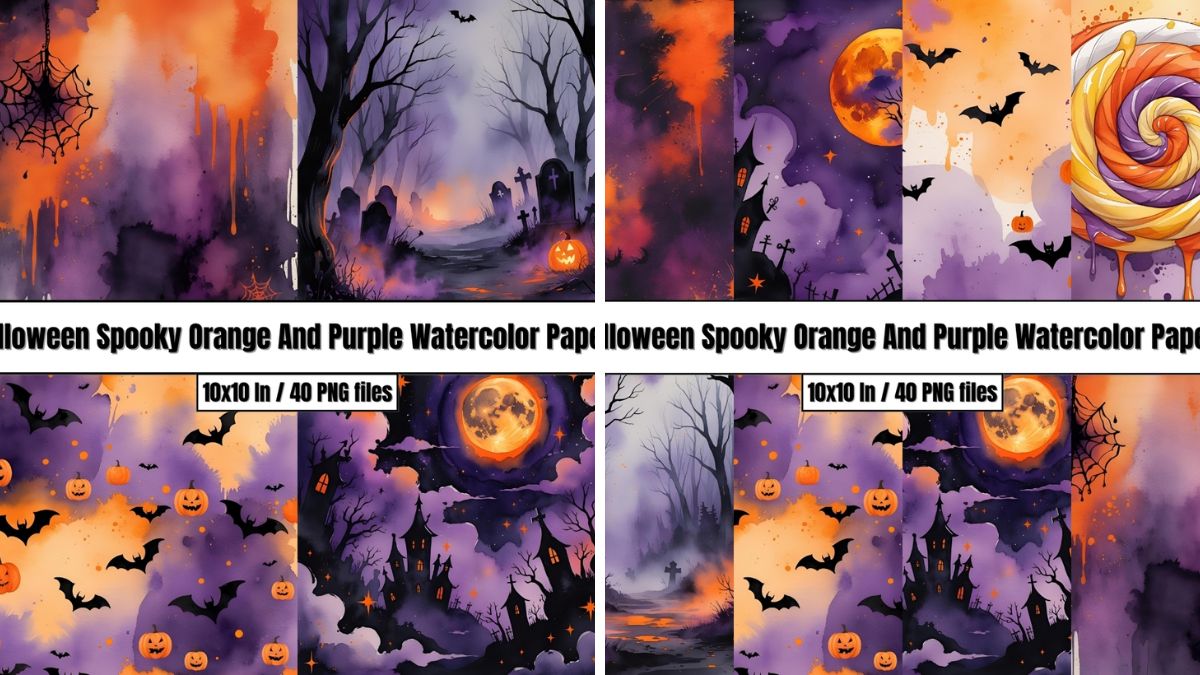
The Halloween Spooky Orange And Purple Watercolor Papers are described as digital paper in orange, purple, and black with a watercolor look. Crop a quieter area for your lock screen and save a more detailed section for an invitation or social graphic.
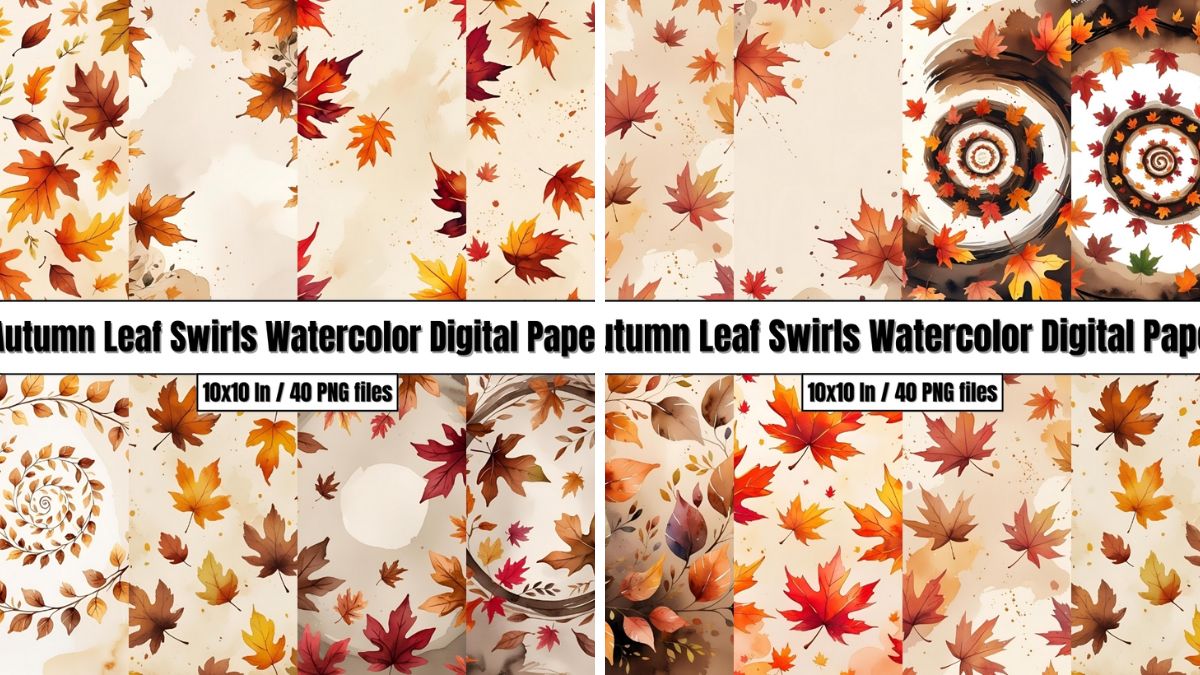
For a calmer look, use the Autumn Leaf Swirls Watercolor Digital Paper. Its brown, gold, and orange palette can carry you from early September through Thanksgiving, which is useful if you do not want to change your screens every week.
Halloween Spooky Orange And Purple Watercolor Papers – Digital Paper Clip Art
Make a video-call background that leaves room for your face
A good video background needs clear space behind your head and shoulders. Place the strongest visual detail to one side rather than directly behind you. Avoid busy patterns where subtitles or names may appear.
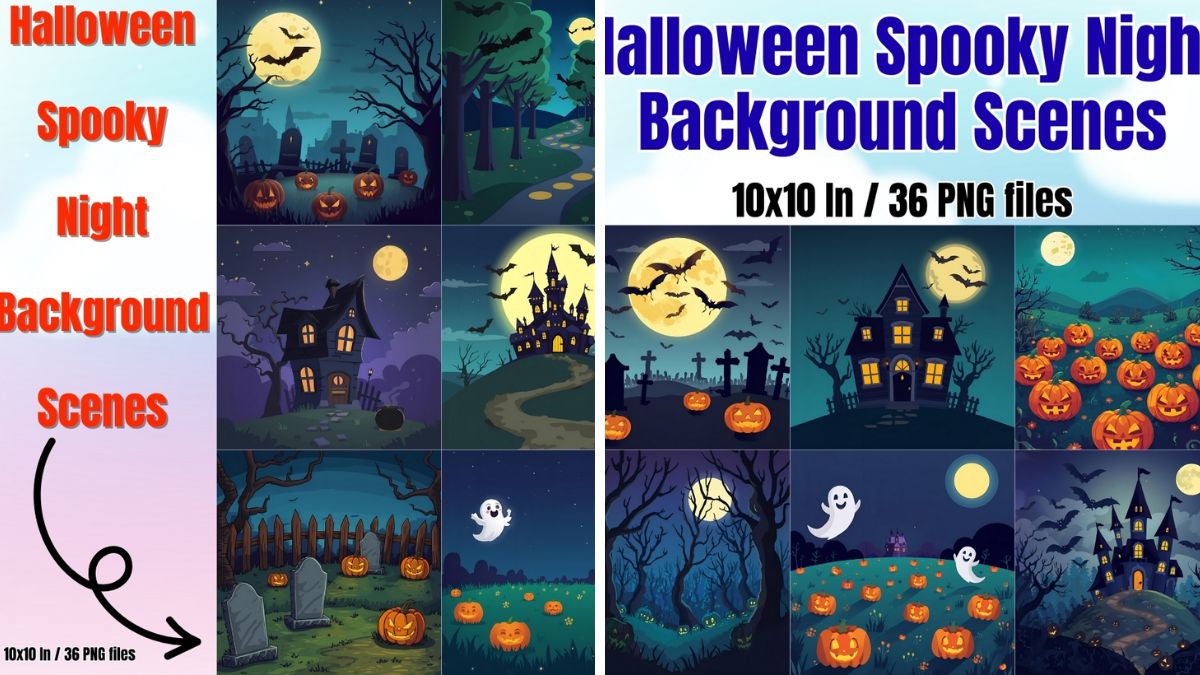
The Halloween Spooky Night Background Scenes can support a virtual Halloween party, book club, or team social. The product page describes high-quality PNG background scenes for digital projects, presentations, invitations, and virtual learning. Use the scene as a background, then check your camera preview before the event.
If the image feels too dark, brighten your face with a lamp in front of you rather than over-editing the background. A real light source will make the whole call look more natural.
Design a digital invitation with breathing room
A digital invitation should be easy to read on a phone. Keep the date, time, location, and RSVP instructions in a clear block. Use the seasonal image as a border or a partial background rather than placing text over the busiest area.
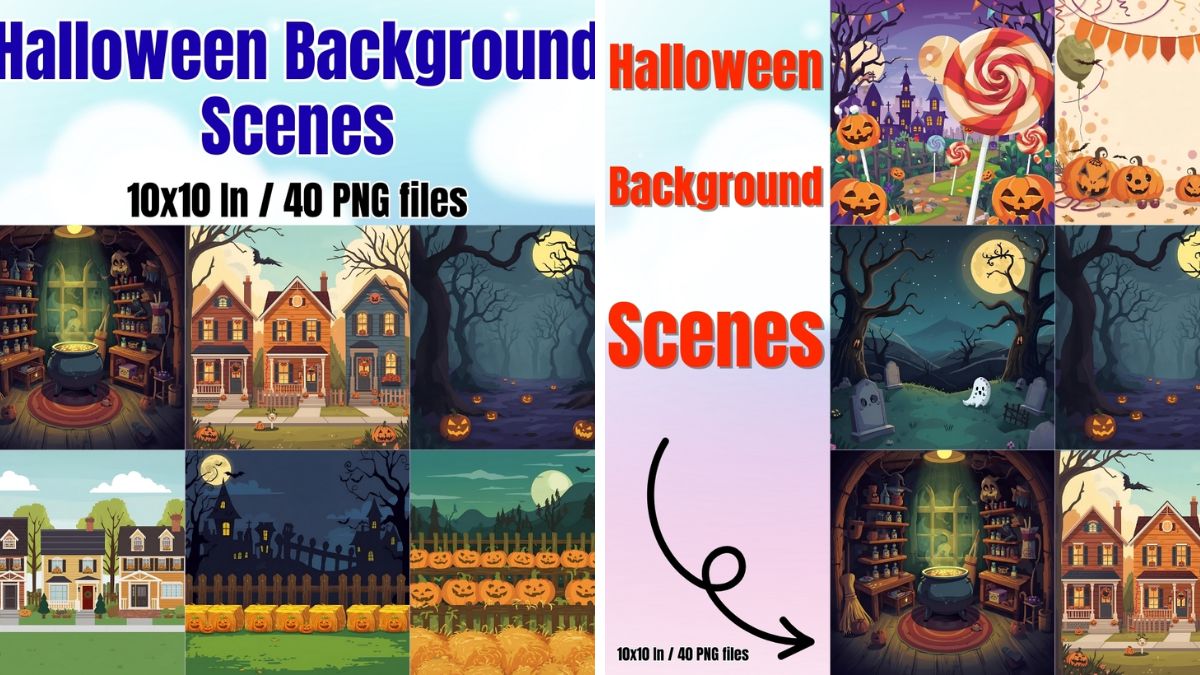
The Halloween Background Scenes can be cropped into a wide banner or a square invitation image. Add one typeface for the headline and one for the details. If you are creating an invitation for children, use larger text and stronger contrast.
Export a high-quality version for email and a smaller version for messaging apps. Send the image with the essential information in the message too, so guests do not have to zoom into the artwork to find the start time.
Turn a digital background into a printable object
One advantage of digital art is that it can move between screens and paper. A background used for a phone can become a small printed card. A video-call image can become a sign for the snack table. A digital invitation can become the cover of a party playlist.
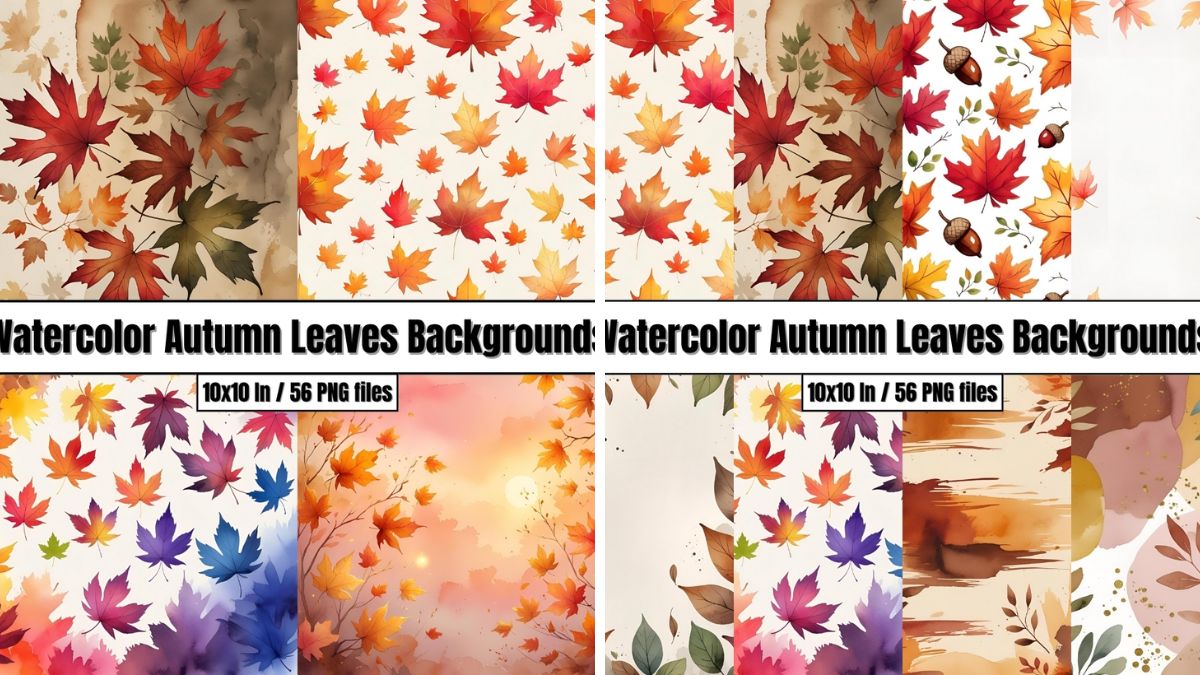
The Watercolor Autumn Leaves Backgrounds can work for a seasonal digital planner, printable menu, or fall announcement. The product page describes high-resolution PNG files for both print and digital projects. Test the file at the size you need and avoid enlarging it beyond what the product page supports.
Keep a consistent file ratio when possible. A wide image is useful for a laptop background, while a portrait crop is better for a phone. Saving several versions prevents you from stretching the same image into an awkward shape.
Watercolor Autumn Leaves Backgrounds – Digital Paper Clip Art
Create a seasonal desktop that helps you focus
Your computer desktop is part of your workspace. Choose an image that supports concentration instead of competing with your icons. A quiet fall scene, a watercolor wash, or a simple cropped leaf detail can make the desk feel seasonal without becoming distracting.
Place active project folders on one side and leave the main image visible. If your screen is shared often, use a neutral version for work and a more playful version for personal time. You can switch between them with a single saved file rather than changing your entire setup.
For virtual meetings, keep a clean neutral background ready. The Halloween version can be your personal choice, but it should not make important work content difficult to read.
Use clip art for small digital rituals
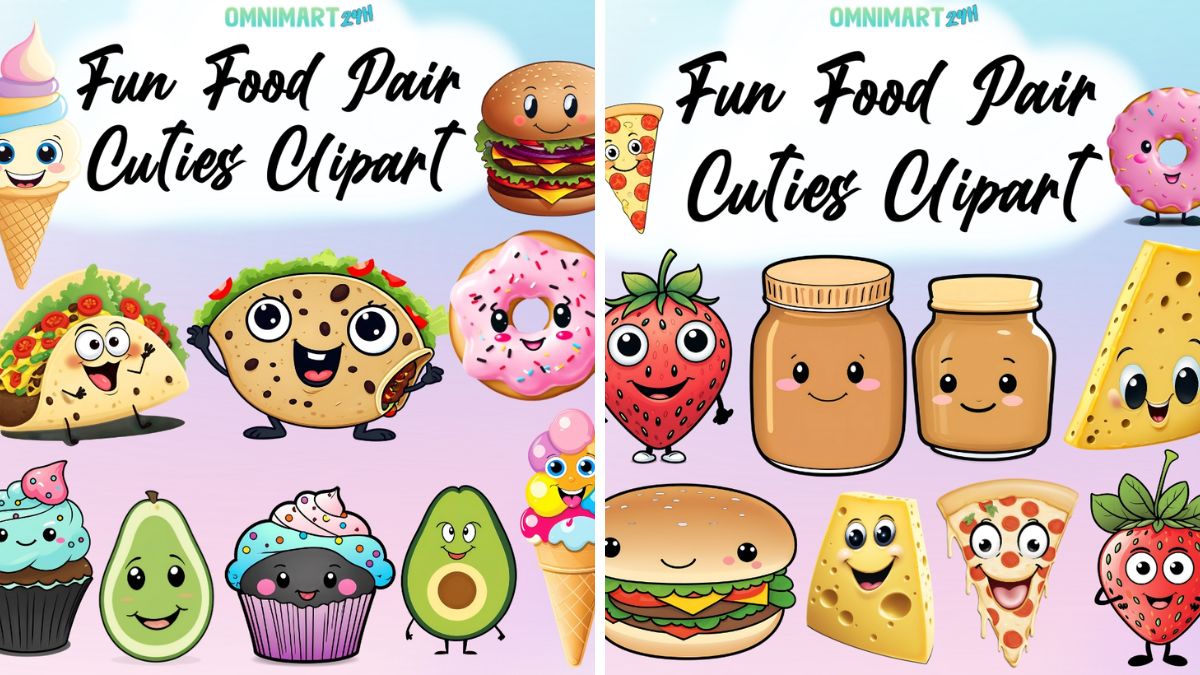
The Fun Food Pair Cuties Clipart – Vol.1 includes transparent-background PNG food designs. You can use one for a digital grocery list, a Halloween movie-night menu, or a playful poll in a group chat. The product page describes the set as useful for digital projects, invitations, crafts, and party materials.
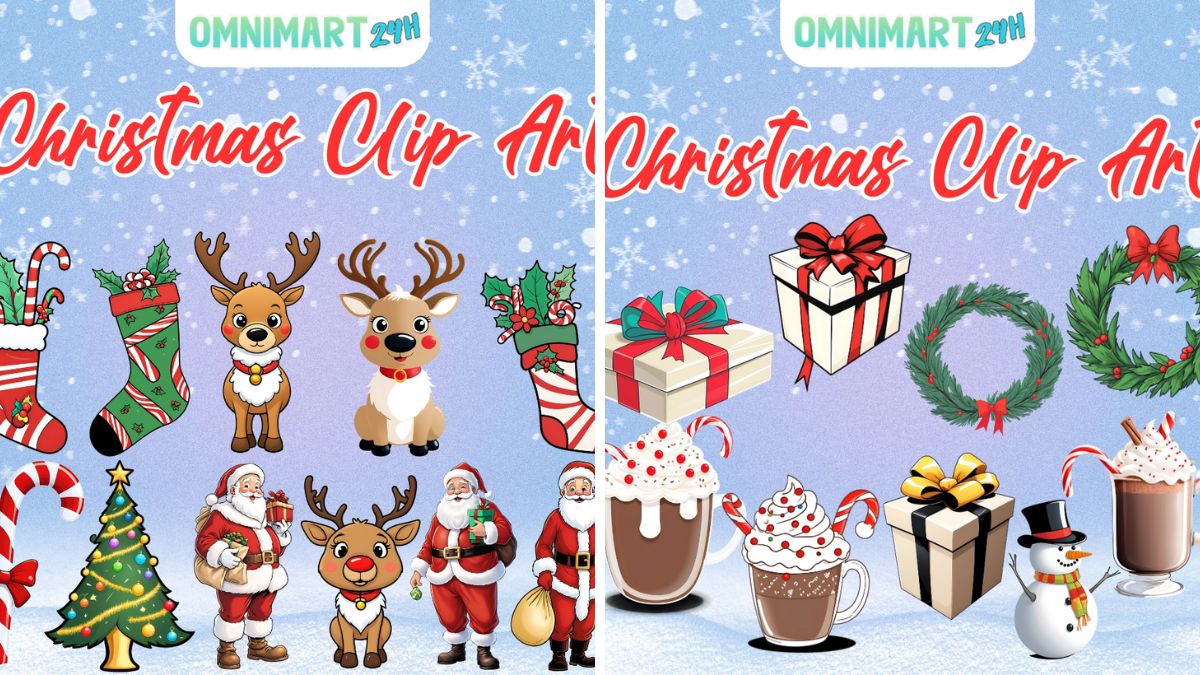
For a winter transition, the Christmas Clip Art – Vol.1 includes 30 transparent PNG images with seasonal motifs such as trees, Santa, stockings, reindeer, mugs, gifts, wreaths, snowmen, bells, and candy canes. Use one graphic in a calendar header or digital card rather than creating a visually crowded collage.
The same principle applies to digital newsletters and social content. One strong visual with generous whitespace often looks more polished than many small elements.
Fun Food Pair Cuties Clipart – Vol.1 – {Omnimart24h Clip Art}
Remember accessibility and privacy
A beautiful digital graphic still needs readable text. Use contrast between the background and the words. Do not place key information over a detailed image. Add alt text when uploading an image to a website, and use meaningful file names for better organization.
For video calls, avoid backgrounds that reveal private spaces or personal information. Test the camera, check how the image mirrors, and make sure the edges do not create a distracting halo around your hair or shoulders.
If you are using digital products for commercial content, review the product page and applicable usage terms before publishing. Keep your source files and receipts organized.
It is also worth creating a second version of every important graphic. Keep one file with the artwork and another with the headline, date, and call-to-action. If the event details change, you can update the copy without rebuilding the whole design. This small habit keeps seasonal content flexible and prevents a last-minute change from turning into a visual mess.
Finally, give your devices a seasonal boundary. Choose a wallpaper that makes you smile, but do not let every screen become another notification surface. Keep the desktop calm, silence nonessential alerts during a virtual gathering, and close unused tabs before the event begins. Digital atmosphere works best when it supports attention instead of asking for more of it.
If you publish the artwork on a blog or social channel, write the image caption before you upload it. Mention the seasonal idea, keep the wording useful, and describe what is visible for readers using screen readers. A thoughtful caption gives the image a longer life than a decorative file name and makes the post easier to find later.
The takeaway
Digital Halloween decor ideas are a low-clutter way to make the season visible. Use watercolor papers for wallpapers and invitations, background scenes for video calls and printable signs, and transparent clip art for small digital projects. Create a folder, protect readability, and keep the strongest visual details away from important text. Check the linked product pages for current file information, availability, and permitted uses.
About the Author