
10 Productivity Tools That Actually Make Work Easier
Somewhere along the way, “being productive” turned into downloading seventeen apps, color-coding a planner you never open, and still ending the day with your inbox at 200 unread. The truth is, most productivity advice adds more to manage, not less. The tools that actually help are the ones that quietly remove friction — so focusing takes less willpower, not more discipline.
Here are 10 tools — apps and a few well-chosen desk essentials — that genuinely make the workday smoother, whether you’re in an office, at home, or somewhere in between.

The Real Goal: Less Friction, Not More Systems
Before the list — one thing worth remembering. The best productivity tool isn’t the one with the most features; it’s the one you’ll actually use without thinking about it. If a system requires more effort to maintain than the time it saves you, it’s not helping. Everything below passes that test.
1. Notion (App)
Notion works as a flexible home base for to-do lists, project notes, and long-term planning, all in one place instead of scattered across five apps. It has a learning curve, but even a simple setup — one page for tasks, one for notes — beats juggling sticky notes and three different apps.
2. Google Calendar Time Blocking
This one’s free and already on your phone: instead of just listing what you need to do, block actual time on your calendar to do it. Seeing your day mapped out — including breaks — makes it far easier to protect focus time from getting swallowed by meetings.
3. Noise-Canceling Headphones
Whether you’re in a loud office or a home with a lot going on, the ability to physically shut out distraction is one of the highest-leverage productivity tools that exists. It’s less about the music and more about giving your brain permission to focus.
→ Shop it: Noise-Canceling Wireless Headphones

4. Forest (App)
For anyone who loses an hour to their phone without meaning to, Forest gamifies focus — you plant a virtual tree that grows while you stay off your phone, and it dies if you leave the app. It sounds small, but the visual stakes are surprisingly effective at breaking the scroll habit during work hours.
5. A Second Monitor
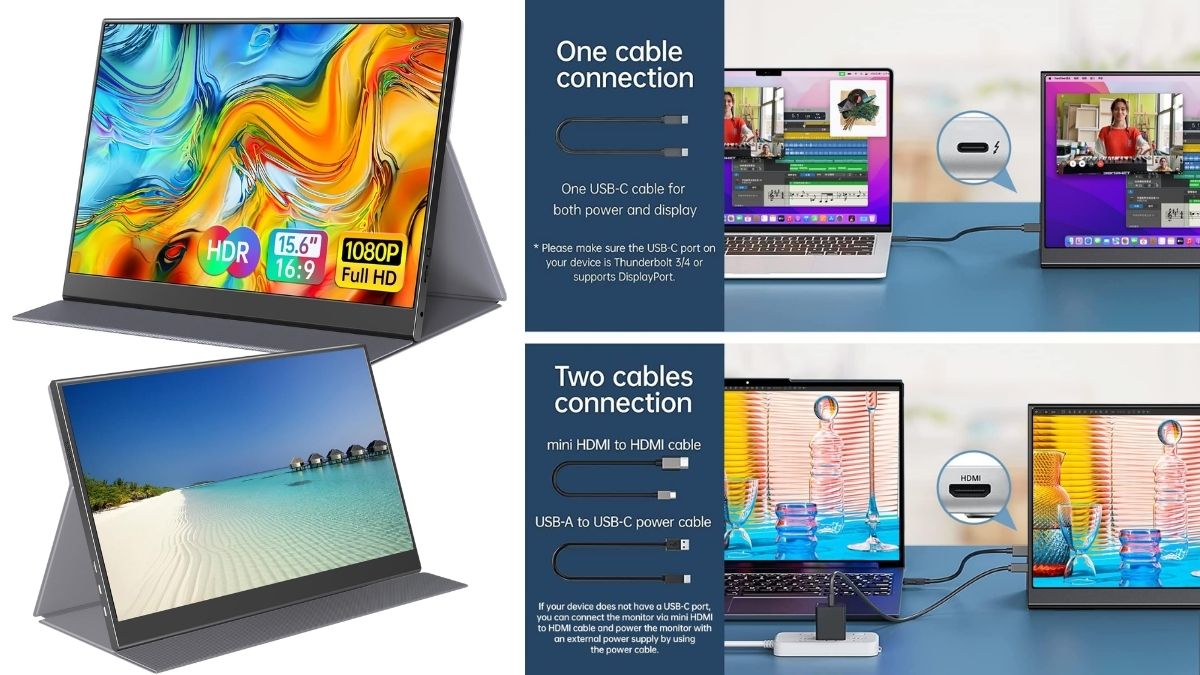
Constantly toggling between tabs and windows is a quiet but constant drain on focus. A second monitor — even a small portable one — lets you keep a reference document, email, or notes visible without losing your place in your main task.
→ Shop it: Portable Monitor for Laptop Setup
6. Todoist
A clean, no-frills to-do app that doesn’t try to be everything at once. Recurring tasks, quick capture, and simple prioritization make it easy to get your to-dos out of your head and onto a list you’ll actually check.
7. A Proper Desk Chair
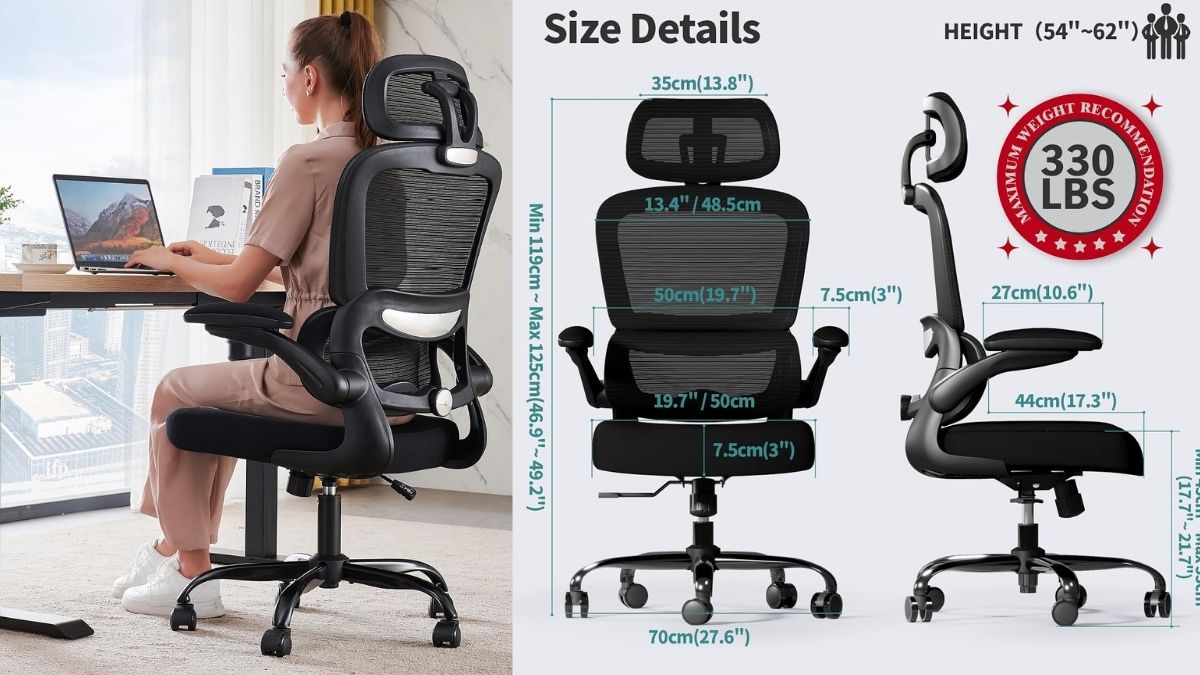
This isn’t glamorous, but it might be the single most underrated productivity purchase there is. Physical discomfort is a constant low-level distraction — an hour into a bad chair, your brain is managing your back, not your work.
→ Shop it: Ergonomic Office Chair with Lumbar Support
8. Freedom or Cold Turkey (App Blockers)
For the sites and apps that eat time without you noticing, a blocker that locks you out during set hours removes the temptation entirely. It’s a lot easier to stay focused when the option to get distracted simply isn’t there.
9. A Good Planner (Analog, on Purpose)
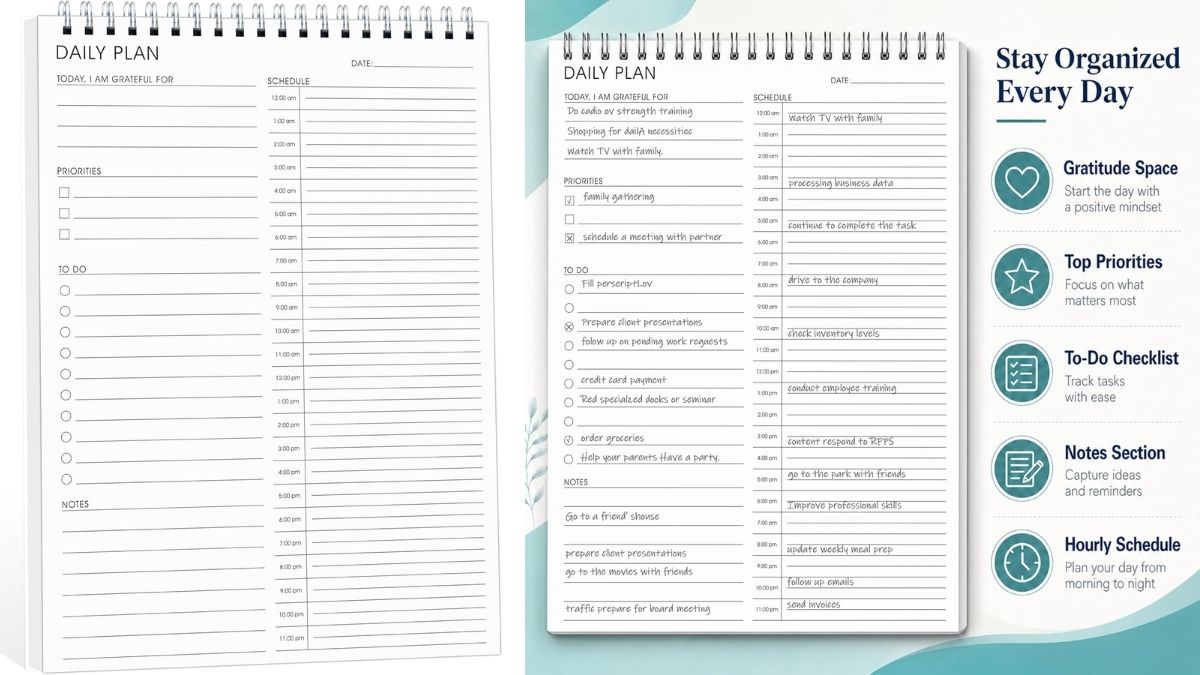
Not everything needs to be digital. A physical planner forces a slower, more intentional moment of planning your day — no notifications, no tabs open, just you and a pen. Many people find they retain plans better when they’ve written them by hand.
→ Shop it: Daily Planner with Time Blocking Layout
10. Otter.ai (Meeting Transcription)
For anyone drowning in meetings, an app that automatically transcribes and summarizes calls means you can actually be present in the conversation instead of frantically typing notes. Search back through what was said instead of trying to remember it.
Building a System That Actually Sticks
The tools that work long-term are rarely the trendiest ones — they’re the ones simple enough to become automatic. Start with just one or two from this list rather than overhauling your entire workflow at once. A small system you actually use will always outperform a perfect one you abandon by Thursday.
You May Also Like: 1001+ Essential Visa Card Knowledge Before Opening a Card
About the Author