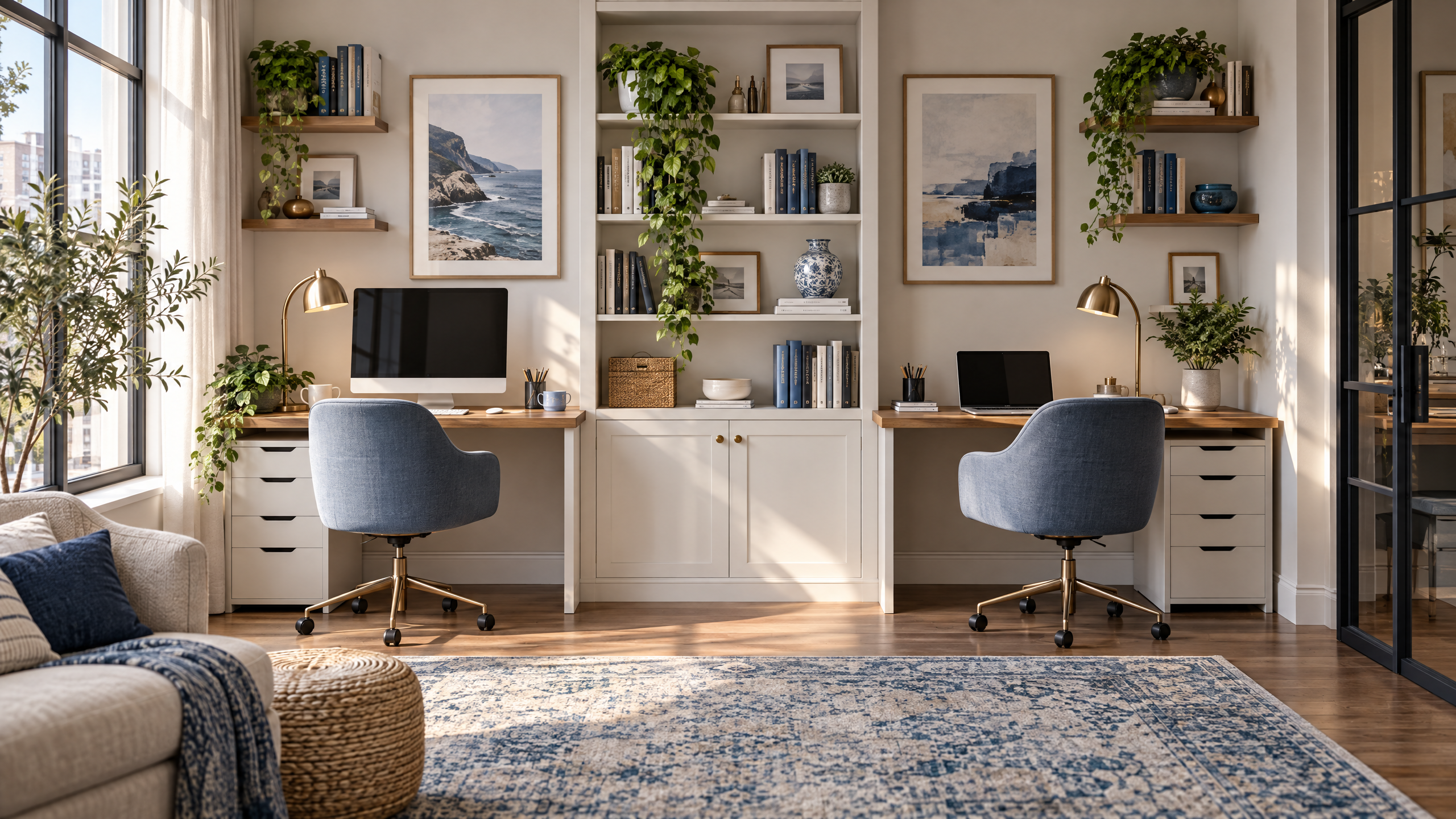
How to Design a Home Office for Two Without Losing Your Mind
Working from home with another person can be cozy, efficient, and even fun—if the space is designed to prevent friction. Whether you and a partner, roommate, or colleague share a studio apartment or have two desks in a spare room, the goal is the same: create a functional, beautiful environment that supports both productivity and peace. Below are practical, human-centered home office for two ideas that balance shared infrastructure with personal autonomy.
Start with the layout: zones, sightlines, and personal space
When two people work in one room, the most common complaint is lack of boundaries. The solution is zoning.
- Face-out desks for independent focus: Place desks parallel to the longest wall, angled slightly so each person has a clear sightline to the door without staring directly at each other. This reduces the frantic feeling of being observed and lets both people orient toward the room.
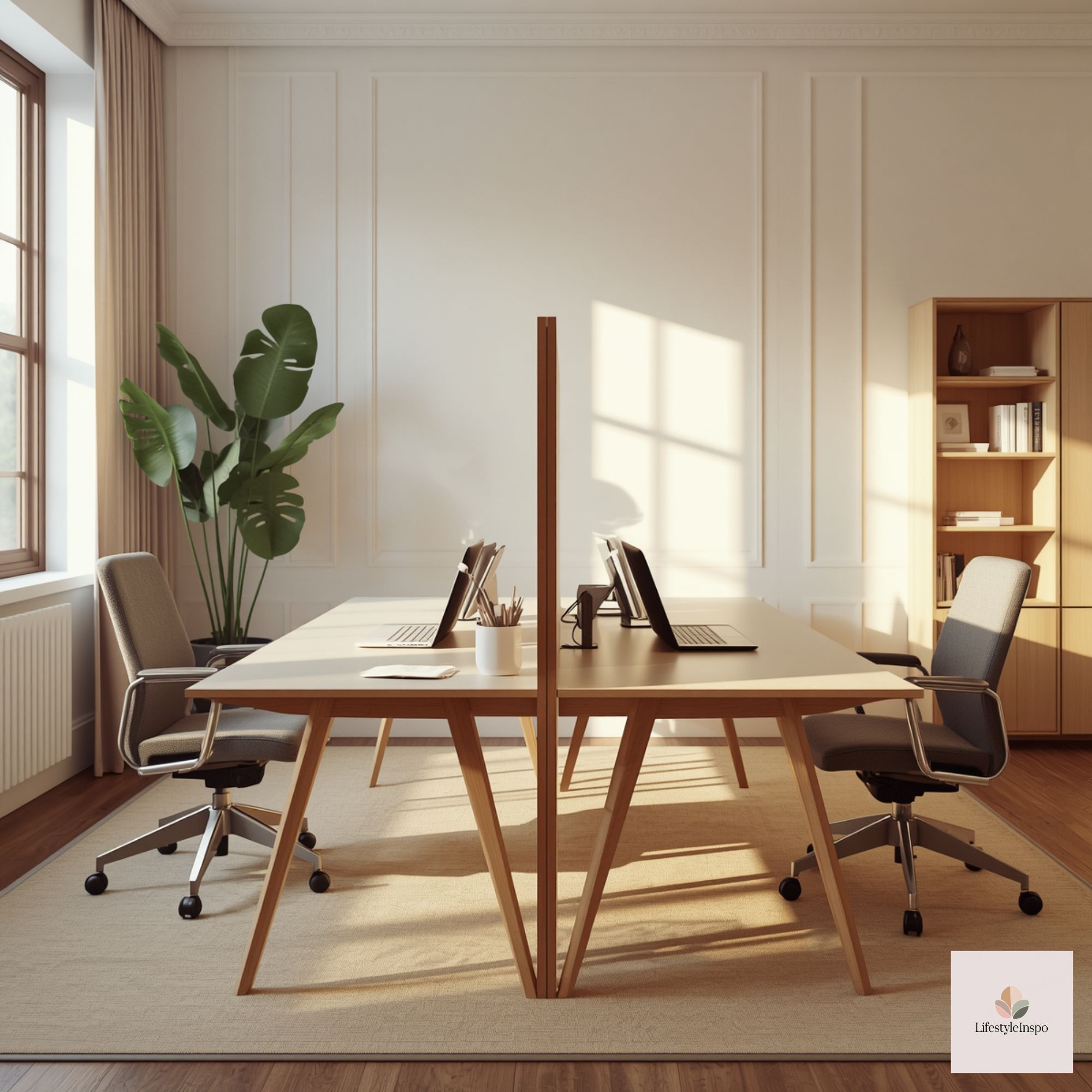
- Back-to-back for privacy: If your tasks are heads-down and private (meetings, calls, writing), set desks back-to-back with a low shelf or planter trough between them. It provides a visual barrier while keeping the shared footprint efficient.
- L-shape for collaboration: If you often brainstorm together, an L-shaped arrangement around a corner desk makes it easy to pivot from solo work to quick collaboration without rearranging chairs.
- Divide a long table: A single long desk can read as chaotic. Visually divide it with a shared skinny credenza, open shelving, or even a center planter. This creates two defined work stations without building walls.
Pro tip: Prioritize sightlines to the door and windows. Natural light and the ability to see who enters reduces anxiety and keeps the space feeling larger.

Define shared systems before you pick decor
Order grows out of systems, not aesthetics. Establish shared rules early to reduce friction later.
- Shared tech hub: Keep printers, scanners, charging bricks, and communal paper supplies in a dedicated shared cabinet or on a rolling cart. Label shelves so things always return to their homes.
- Cable management agreement: Agree on a single power strip per side or a shared under-desk raceway. Invest in velcro cable ties and a couple of cable sleeves to keep both sides tidy.
- Digital file rules: Use consistent naming and a shared cloud folder for communal documents. Decide who prints what and where paper goes; a single inbox bin with daily clearing rules works wonders.
- Meeting etiquette: Set soft rules—muting when not speaking, camera-on preferences, and how to signal “do not disturb” (a small red flag or a desk lamp that stays on when you’re in focus mode).
Sound management without building anechoic chambers
Sound is the biggest invisible irritant in shared home offices.
- Headphones are your best friends: Encourage good noise-cancelling headphones for both sides, and agree on a default for background music (ambient playlists or instrumental).
- Soft furnishings help: A rug, upholstered chairs, and fabric-covered bulletin boards absorb sound gently. Curtains over bare windows will also reduce echo.
- White-noise machines or apps: A low-level white-noise machine or an app with natural soundscapes (rain, wind through leaves) can mask conversational spillover without being distracting.
- Schedule calls strategically: If possible, plan high-attention meetings during different blocks. Use a shared calendar with color-coded blocks so both of you can see when the other needs quiet.
Storage that respects shared and personal belongings
Storage is where emotions show up—people protect their stuff. Make space for both communal supplies and personal items.
- Dual storage strategy: Assign one drawer or cubby per person and a central shared cabinet. Use clear bins or labeled baskets so things are legible at a glance.
- Vertical storage wins in small rooms: Floor-to-ceiling shelving or pegboards increase capacity without taking up floor space. Use a mix of decorative baskets and boxes for a tidy look.
- Rolling pedestals: One per person, ideally lockable, that tuck under desks are an affordable way to deliver private storage and a sense of ownership.
- Mail and receipt station: A single tray with daily sorting rules prevents a pileup of paper that starts arguments three weeks in.
Light, color, and background decisions that suit two people

Lighting and background choices need to work for different faces, camera angles, and moods. If you record video or attend calls frequently, consider how backgrounds read on camera.
- Balanced lighting: Use layered lighting—a mix of overhead, task lamps, and ambient light. Adjustable desk lamps with warm and cool settings let each person tune their own side.
- Backgrounds for video calls: If you want a shared backdrop that’s camera-friendly, a single cohesive scene across the room is easier than matching two separate looks. For a quick pro upgrade, place a tasteful art piece or a bookshelf behind both desks so Zoom calls look intentional from either side.
- Add a calming shared backdrop: Consider integrating tasteful visual elements like a House Background Scenes piece to create a unified, calm visual anchor—useful if both of you take video calls from the same wall. It helps photos and streams look polished without extra effort.
- Accent colors: Agree on one accent palette for the room (e.g., muted blues and warm wood) and allow each person to add smaller personal accents (plants, desk accessories) in their preferred hues. If you want a gentle artistic touch, a watercolor palette like this Cool Tone Watercolor Set can inspire shared elements—frames, artwork, or homemade desk cards—so the space feels cohesive.
Cool Tone Watercolor Set (blue, teal, purple) – Digital Paper Clip Art
Personalize without creating clutter wars
Both occupants should be able to feel seen. The trick is small-scale personalization that’s intentional.
- Personal trays and pinboards: Supply each person with a small pinboard and a personal tray for daily items. It limits desktop creep while allowing expression.
- Rotating art shelf: Install a slim ledge to hold a few rotating art pieces or photos. Swap every month so each person gets to display something fresh without multiplying things.
- Mutual “touch” items: Pick one or two shared items that set the tone—a plant, a lamp, a framed print. Shared decisions on these reduce veto battles.
Workflow choreography: routines that honor both schedules
Two people sharing space need predictable rhythms.
- Block scheduling: Use shared calendar blocks to mark deep-work hours, collaborative times, and “open” periods. Keep them visible with a whiteboard or wall calendar.
- Micro-rituals for transitions: A two-minute stretch, a shared playlist when switching tasks, or a quick five-minute joint tidy at midday helps reset the room mentally.
- Emergency signal: Agree on a simple visual cue (a lamp on, flag up, or a sticky note) that means “urgent quiet” or “available for interruption.”

Accessibility and ergonomics: make it comfortable for both bodies
Shared offices often overlook physical comfort differences. Get the basics right.
- Adjustable chairs and monitor arms: Ergonomic chairs with adjustable lumbar support and gas-lift desks or monitor arms make it easy to tune each station to a person’s height and posture.
- Keyboard and mouse choices: Keep a few options in the drawer if one person prefers an ergonomic keyboard or vertical mouse. Using keyboard trays can unlock better wrist angles.
- Clear walkways: Keep paths free of bags or boxes. Accessibility is less about aesthetics and more about dignity and safety.
- Lighting contrast: Ensure glare-free monitors by angling screens perpendicular to windows and using diffused blinds where necessary.
Budget-friendly versions and small-space notes
You don’t need full remodels. Here are realistic adaptations.
Low-cost:
- Use a shared dining table or thrifted long table as a desk and divide it with baskets or a long planter.
- DIY cable covers with fabric or painted cardboard tubes.
- Swap a rolling cart for shared tech storage and use labeled mason jars for small supplies.
Mid-range:
- Buy two basic ergonomic chairs and matching desk lamps.
- Install wall-mounted shelf systems to free floor space.
Small-space tactics:
- Use vertical space: pegboards, slim shelving, and hanging planters.
- Consider convertible furniture: a wall-mounted drop-leaf desk that folds down for work and up for living.
- Create visual separation with a bookshelf or curtain that doubles as storage.
Accessibility on a budget:
- Shop secondhand for adjustable chairs.
- Use laptop stands and external keyboards to improve posture cheaply.

Conflict prevention: how to talk about the little things
Disagreements usually start small—a forgotten charger, a noisy call, a note left on a pile. Prevent escalation with these practices:
- Weekly standing check-in (10 minutes): Review what’s working, what isn’t, and one thing to change. Keep it constructive.
- “I” statements: Frame issues around impact (“I get distracted when music is loud during calls”) rather than blame.
- One-off conflict rule: If something can be fixed in under five minutes, do it now. If not, table it for the weekly check-in.
- Experiment for two weeks: Try a change and revisit it. If it works, keep it. If not, tweak it.
Style tips that feel calm and curated
A shared home office should look purposeful—not like two unrelated personalities collided.
- Stick to three principal finishes: a wood tone, a metal accent, and one painted wall color. This creates cohesion.
- Use matching plants: Two similar planters with different plants reads as intentional.
- Texture over clutter: Introduce warmth with a woven rug, linen curtains, and matte ceramics rather than more knickknacks.
If you want an artistically soft touch, use the Cool Tone Watercolor Set as a springboard for soft blues and greens in small accents—print a few simple abstracts, frame them, and rotate them seasonally.

Final setup checklist (30–60 minutes to implement)
- Agree on layout and seating. Move desks and test sightlines.
- Establish three shared systems: tech hub, cable plan, and meeting etiquette.
- Create storage zones and label at least five bins/cubbies.
- Place two task lamps and one ambient light. Test cameras if you call often.
- Choose one shared anchor piece (art, rug, or background scene).
- Block deep-work hours on a shared calendar.
- Do a five-minute end-of-day reset.
Ready to make your shared office feel like a real place to work and recharge? Start with one anchor piece and one shared system this weekend—pick a background that everyone likes and a rolling cart for shared tech—and see how much smoother the week feels.
About the Author